Pasco eSchool Course Registration

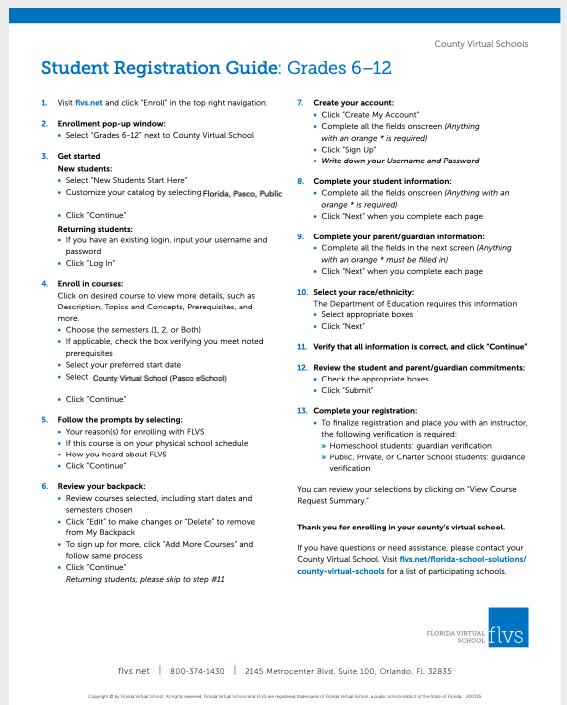
Pasco eSchool Student Registration Guide

  1. Visit flvs.net and click “Enroll” in the top right navigation.
  2. Enrollment pop-up window: • Select “Grades 6-12” next to County Virtual School
  3. Get started New students:
    • Select “New Students Start Here”
    • Customize your catalog by selecting your state, county, and student type
    • Click “Continue” Returning students:
    • If you have an existing login, input your username and password
    • Click “Log In”
  4. Enroll in courses:
    Click on desired course to view more details, such as Description, Topics and Concepts, Prerequisites, and more.
    • Choose the semesters (1, 2, or Both)
    • If applicable, check the box verifying you meet noted prerequisites
    • Select your preferred start date
    • Select Florida Virtual School or your County Virtual School
    • Click “Continue”
  5. Follow the prompts by selecting:
    • Your reason(s) for enrolling with FLVS
    • If this course is on your physical school schedule • How you heard about FLVS
    • Click “Continue”
  6. Review your backpack:
    • Review courses selected, including start dates and semesters chosen
    • Click “Edit” to make changes or “Delete” to remove from My Backpack
    • To sign up for more, click “Add More Courses” and follow same process
    • Click “Continue” Returning students, please skip to step #11

7. Create your account:

  • Click “Create My Account”
  • Complete all the fields onscreen (Anything with an orange * is required)
  • Click “Sign Up”
  • Write down your Username and Password 8. Complete your student information:
  • Complete all the fields onscreen (Anything with an orange * is required)
  • Click “Next” when you complete each page 9. Complete your parent/guardian information:
  • Complete all the fields in the next screen (Anything with an orange * must be filled in)
  • Click “Next” when you complete each page 10. Select your race/ethnicity:
    The Department of Education requires this information • Select appropriate boxes
    • Click “Next” 11. Verify that all information is correct, and click “Continue” 12. Review the student and parent/guardian commitments: • Check the appropriate boxes
    • Click “Submit” 13. Completeyourregistration:

• To finalize registration and place you with an instructor, the following verification is required:
» Homeschool students: guardian verification
» Public, Private, or Charter School students: guidance verification

You can review selections by clicking “View Course Request Summary.”
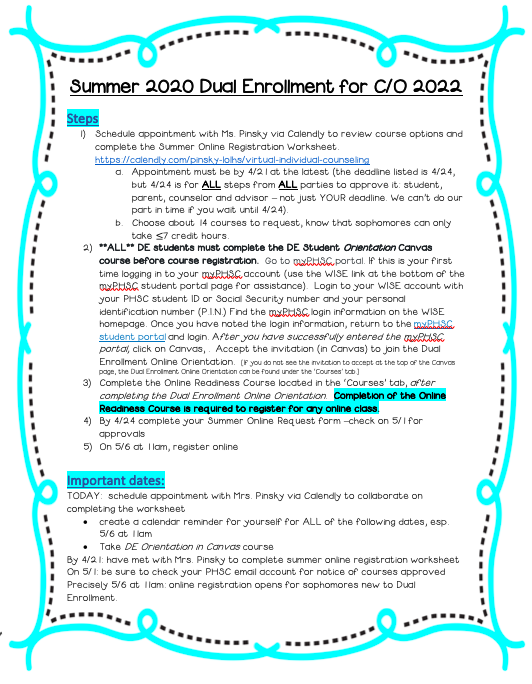
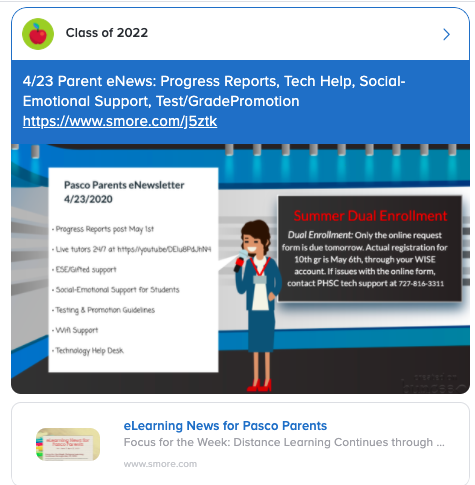
Summer 2020 DE

PERT Testing: Currently all in-person student services at PHSC campuses, including testing, are suspended until at least April 15th.  The school district will be kept apprised of any changes going forward and will communicate those changes to staff.
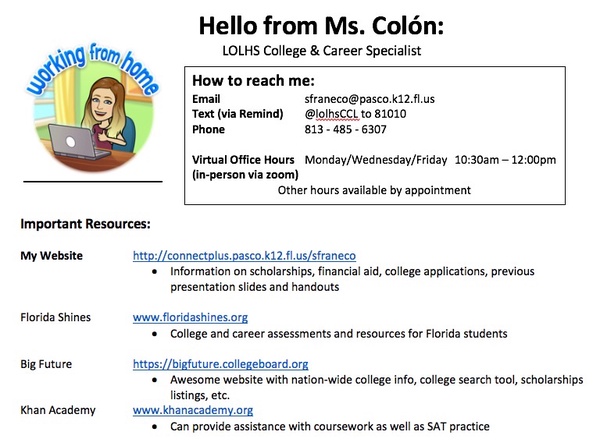
Contact Info For Support

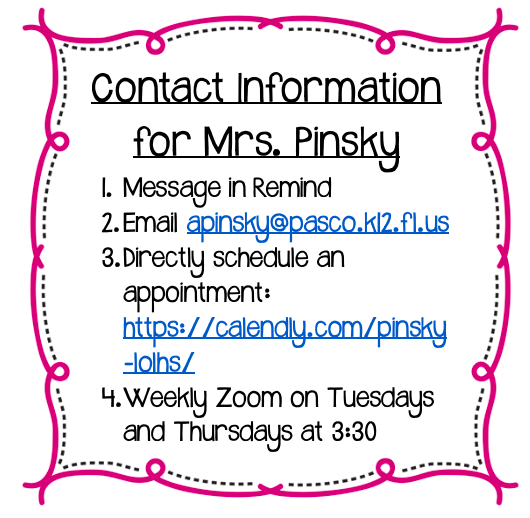
Student Services team members are available Monday through Friday to meet any needs that may arise.  If you need assistance, please contact your grade level counselor between the hours of 8AM-4PM. 

Below is our contact information:  

If you need immediate assistance after 4PM, our student services team members are on call Monday through Friday until 8PM.

Monday: Jillian Baker, Cameron Moody (Backup: Jen Gobeli)
Tuesday: Jen Gobeli, Kristin Mahoney (Backup: Cameron Moody)
Wednesday: Amy Pinsky, Jen Gobeli (Backup: Jillian Baker)
Thursday: Kristin Mahoney, Val Abram (Backup: Amy Pinsky)
Friday: Cameron Moody, Val Abram (Backup: Jillian Baker)